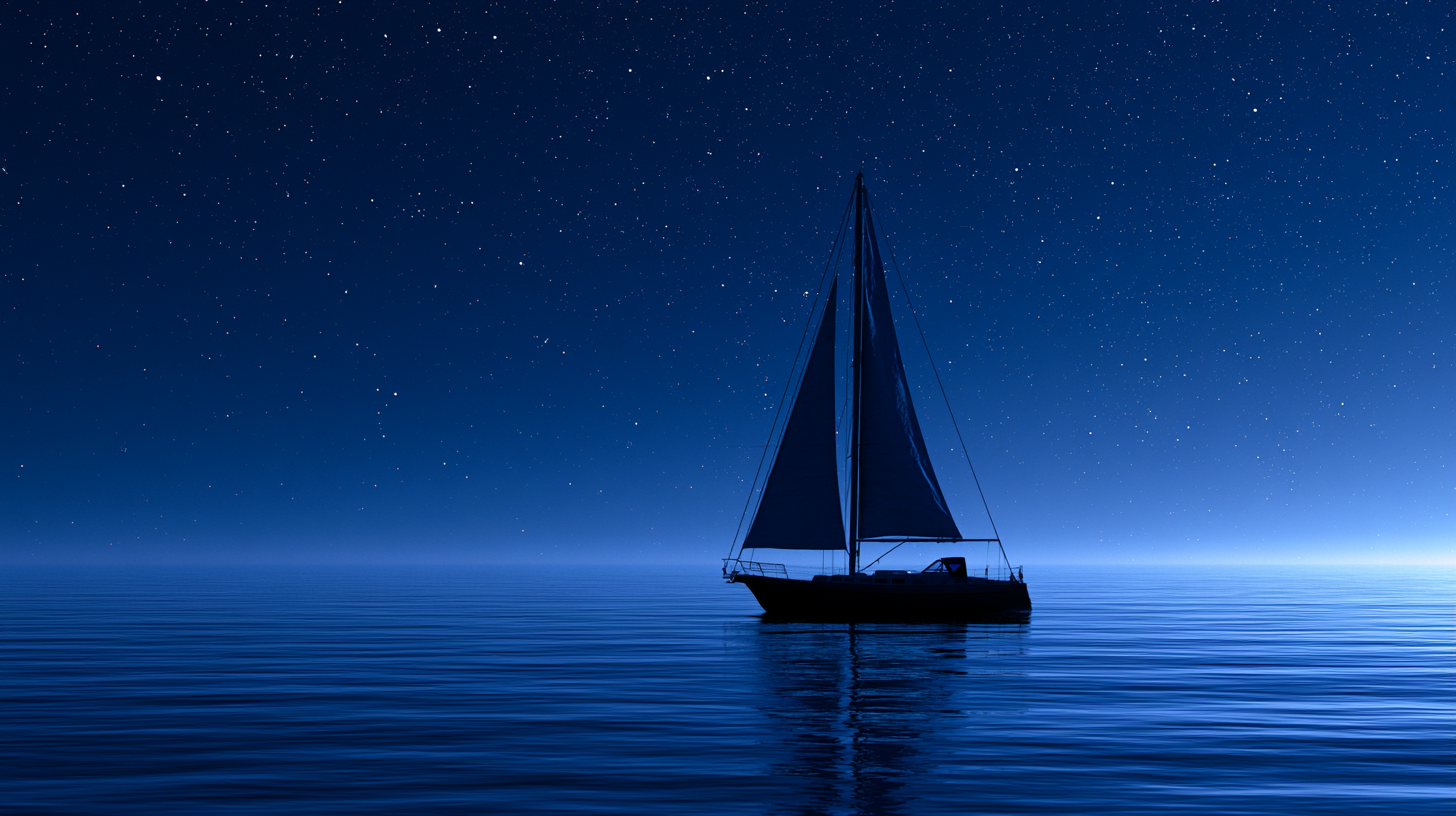
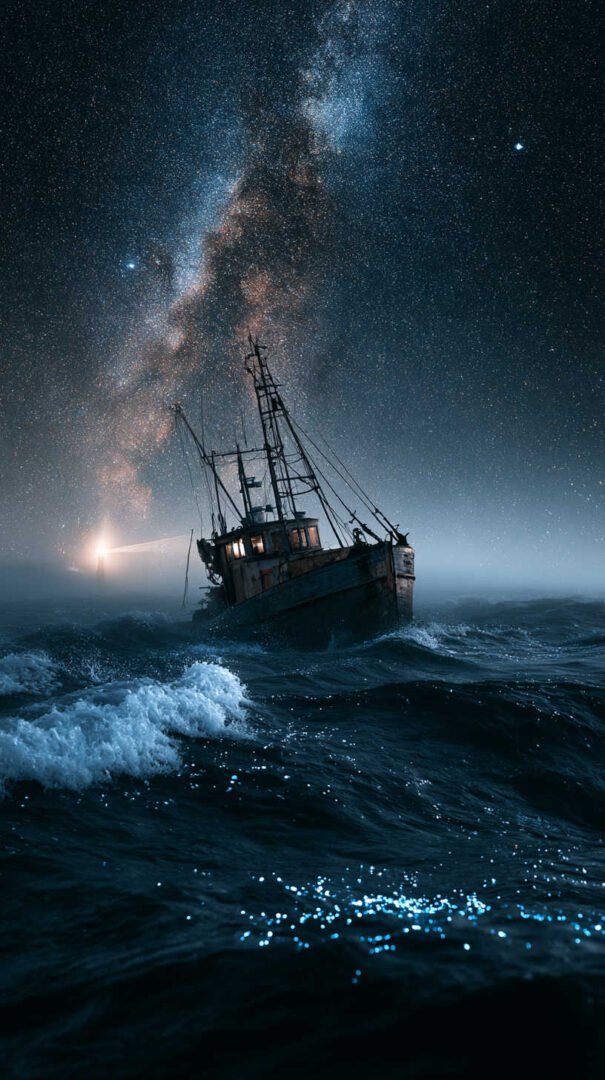
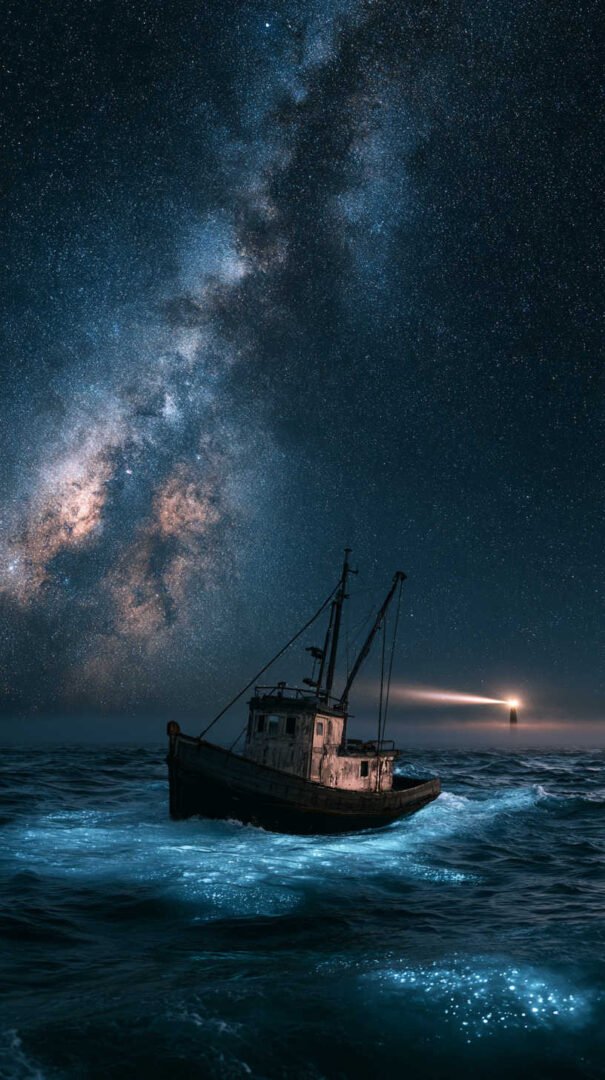
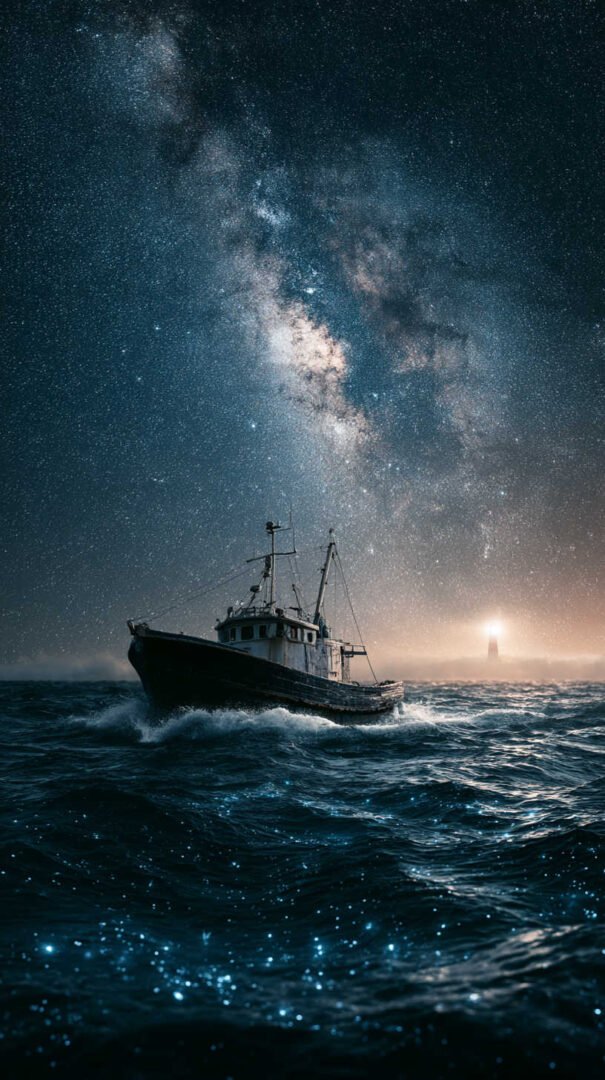
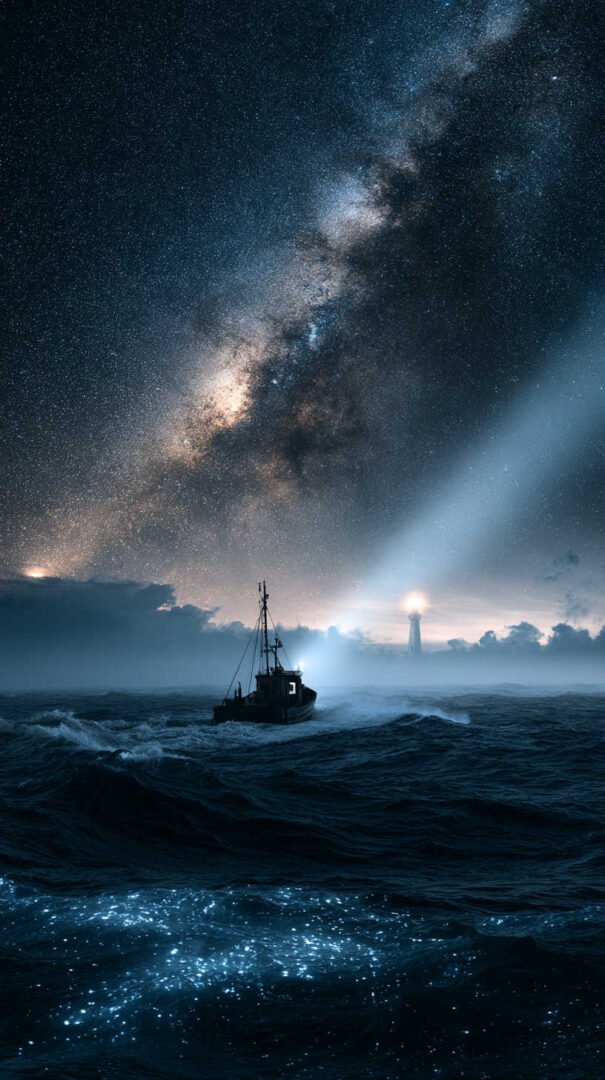
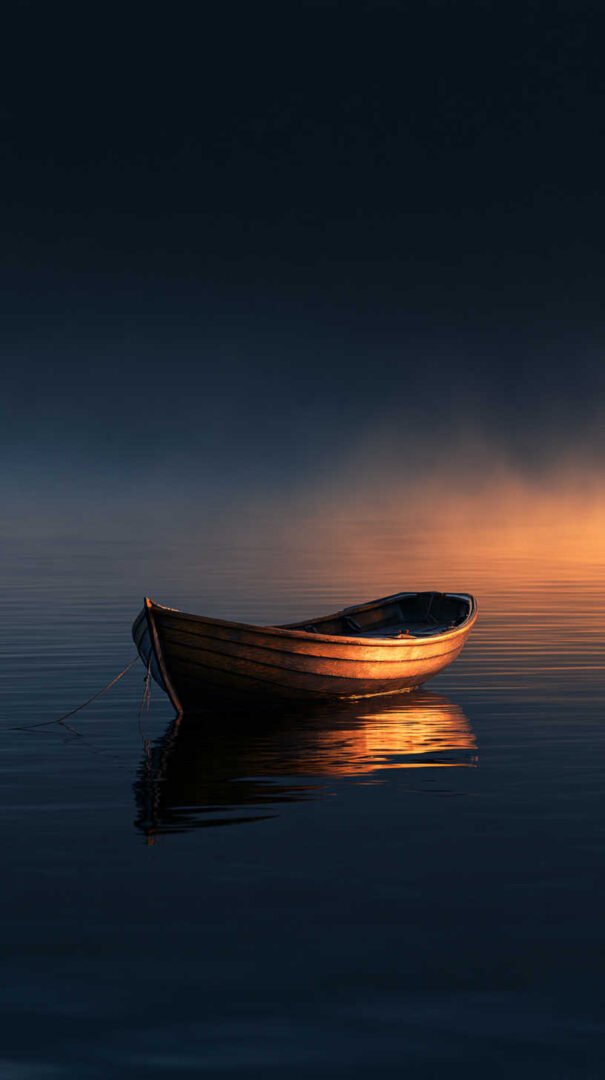
There’s something quietly hypnotic about a boat drifting on dark water. The hush of the tide, the glow of a single lantern, the way city lights bleed into the harbor — it’s a scene that feels like a held breath. That’s exactly why boats at night wallpapers have become one of the most searched categories for desktop and phone backgrounds. They’re moody without being gloomy, detailed without being busy, and they work beautifully in 4K and HD resolution because night scenes reward sharp contrast and rich color depth.
In this guide, we’ve pulled together a curated set of high-resolution boat-at-night wallpapers, broken down by style, so you can find the exact mood you’re after — whether that’s a glassy harbor under moonlight or a sailboat cutting through a neon-lit bay.
Why Boats at Night Make Such Great Wallpapers
Most wallpaper categories fight for your attention. Night boat scenes do the opposite — they’re built around negative space, deep blues, and small pockets of warm light. That contrast is exactly what makes a 4K display shine. Dark backgrounds also reduce eye strain, use less power on OLED screens, and make your app icons and widgets pop instead of getting lost in a busy image.
There’s also an emotional pull. Boats at rest suggest stillness and safety — a day’s work done, a journey paused. It’s a visual that reads as calm rather than empty, which is part of why it’s such a popular choice for work desktops, meditation apps, and phone lock screens alike.
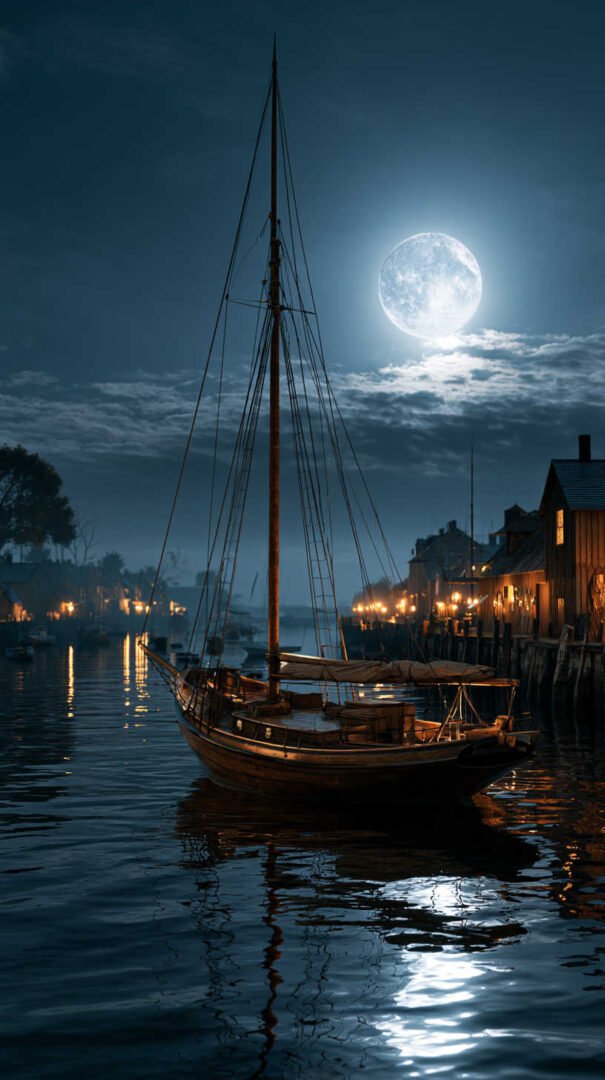
Moonlit Harbor Wallpapers
This is the classic version of the theme: a row of fishing boats tied up for the night, their hulls reflected in still, silver-blue water, with a full moon doing most of the lighting work.
These wallpapers tend to have a soft, painterly quality even though they’re photographs — the long exposure needed to capture moonlight naturally smooths out the water and adds a gentle blur to any movement. It’s an especially good match for minimalist desktop setups, since the composition is simple: sky, boats, water, repeat.
Best for: desktop backgrounds, reading nooks, anyone who wants “coastal calm” without full darkness.
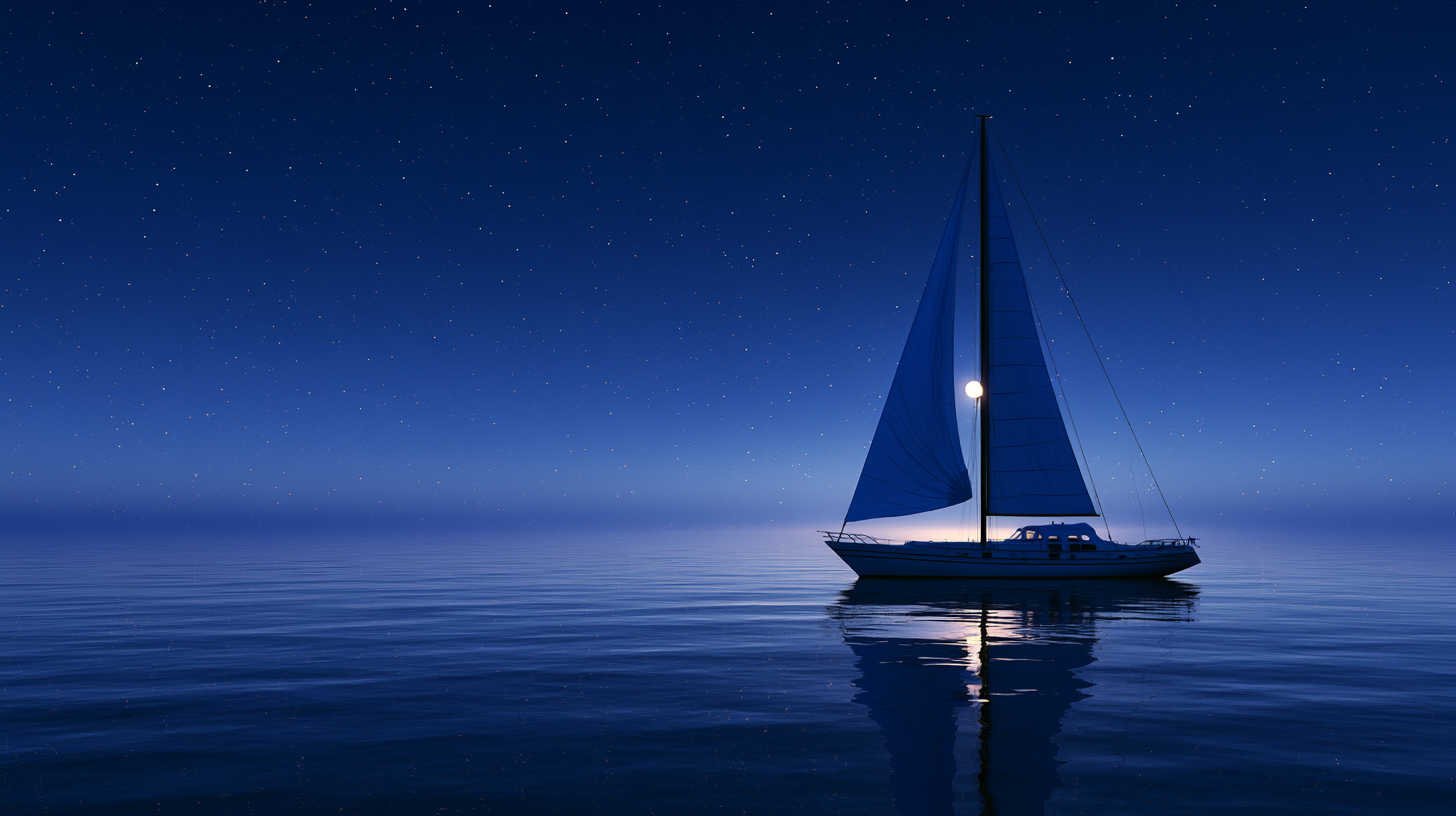
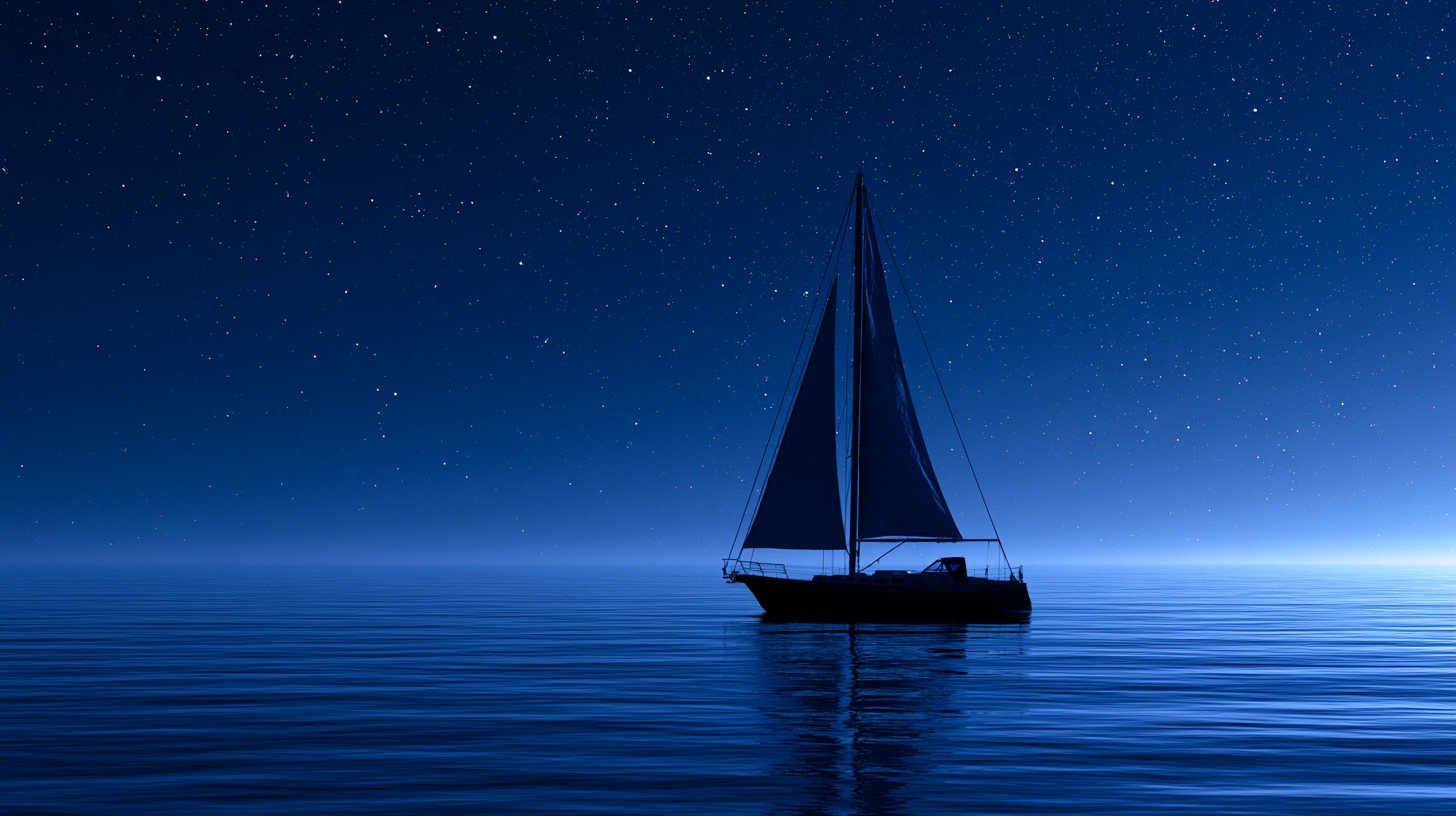
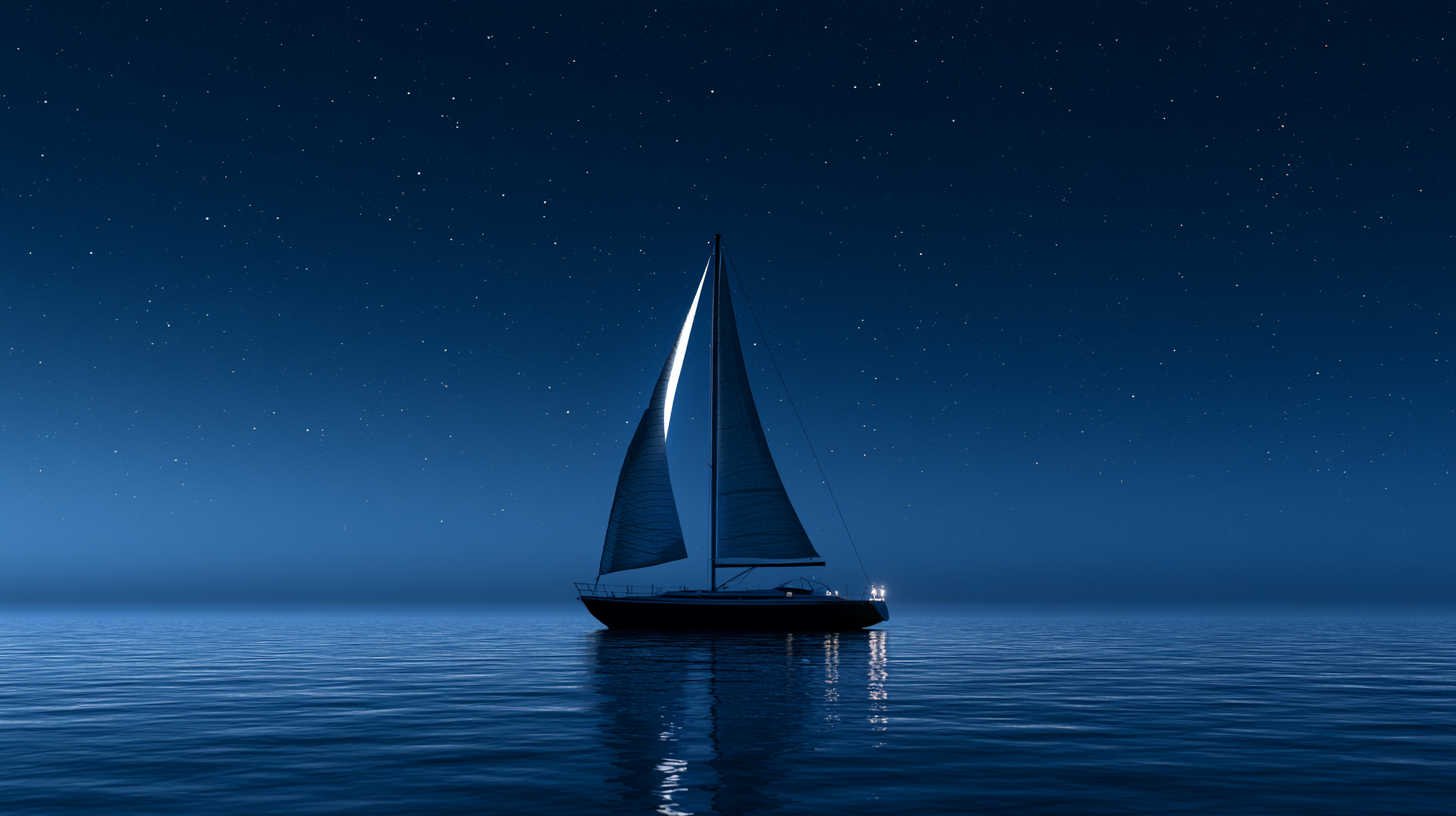
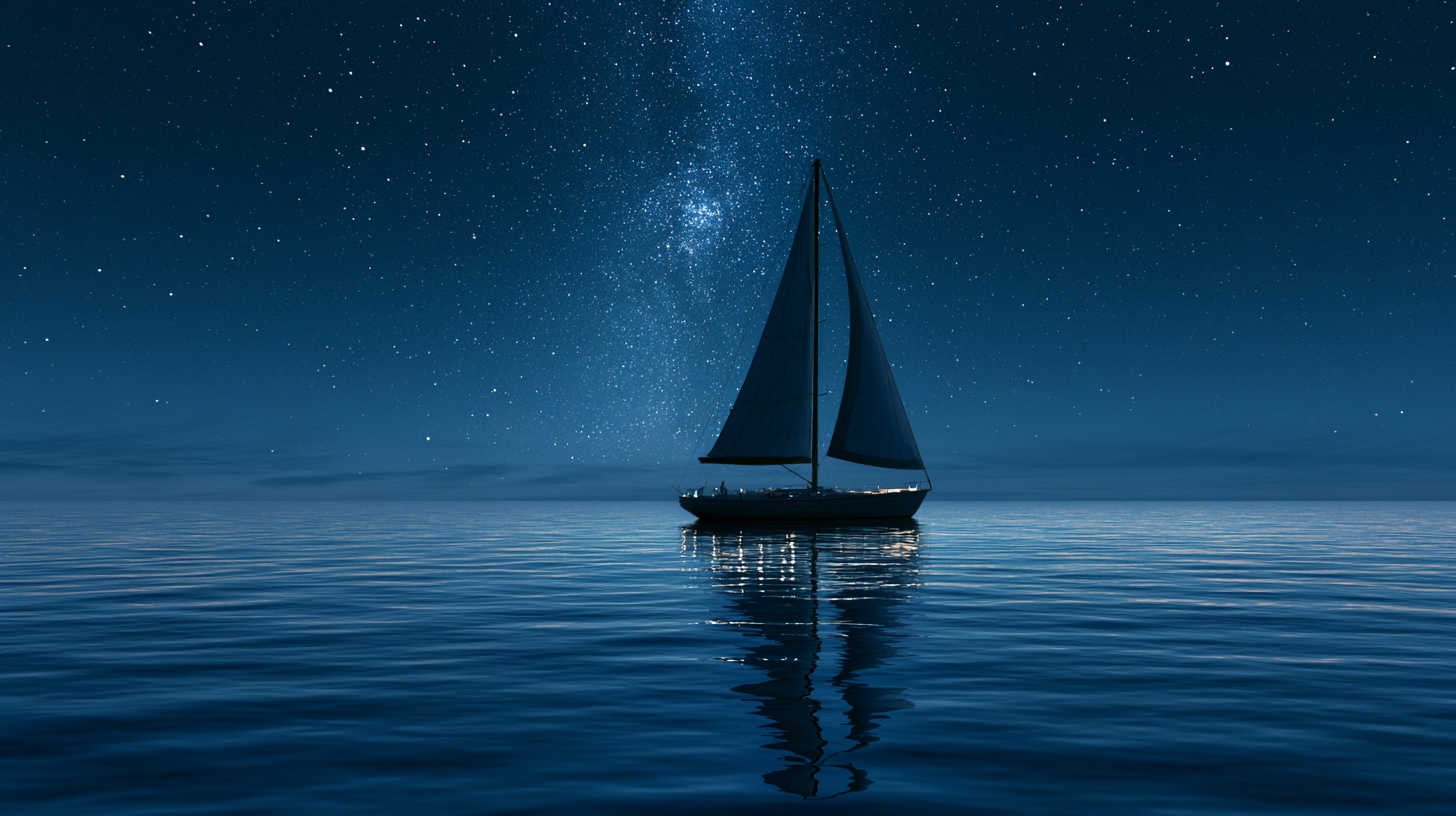
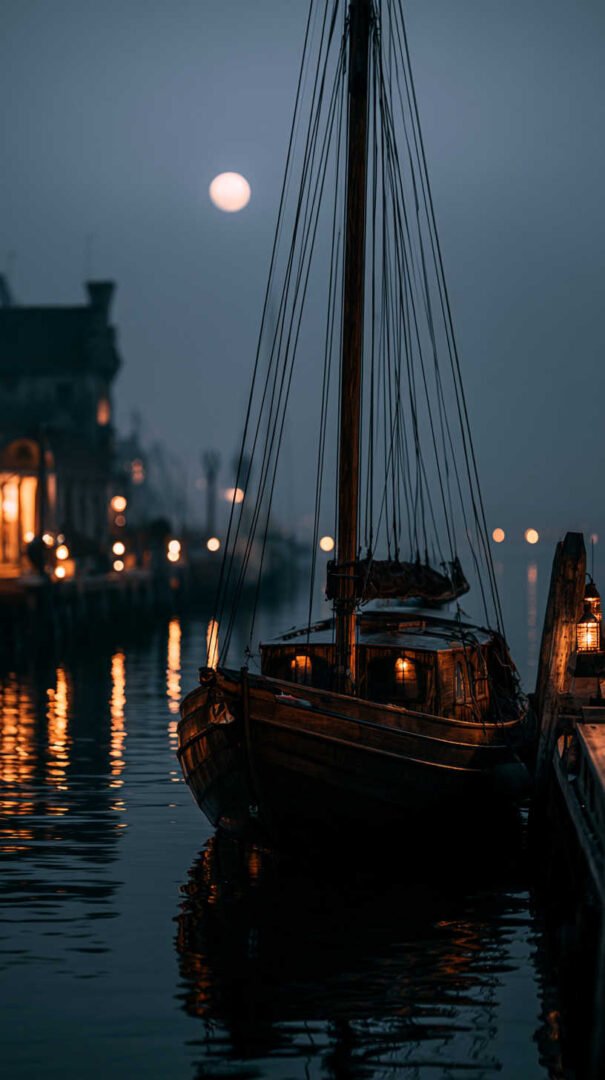
Fishing Boats and Harbor Lights
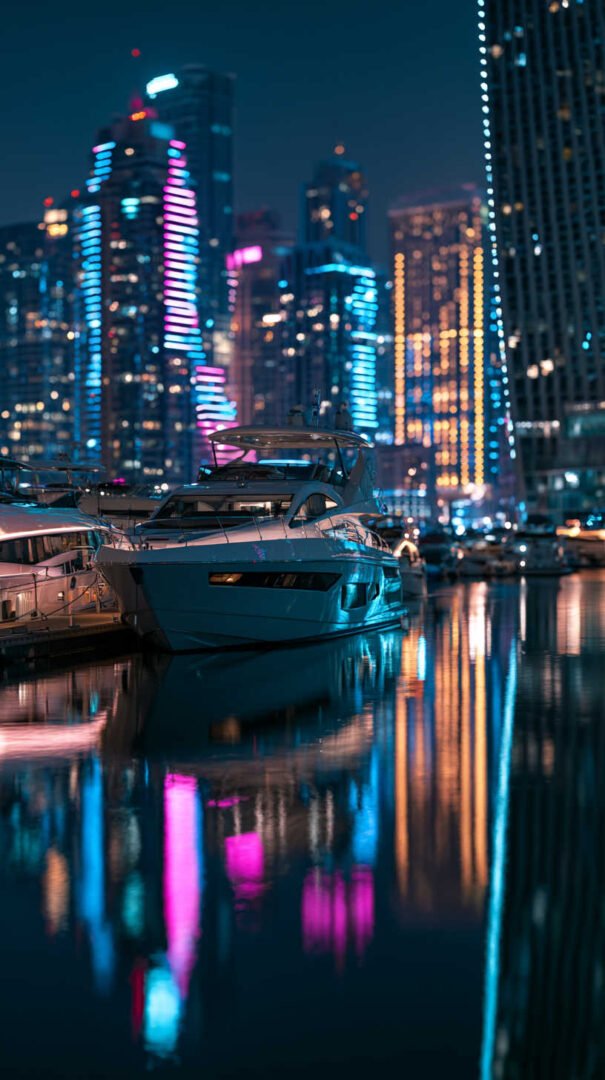
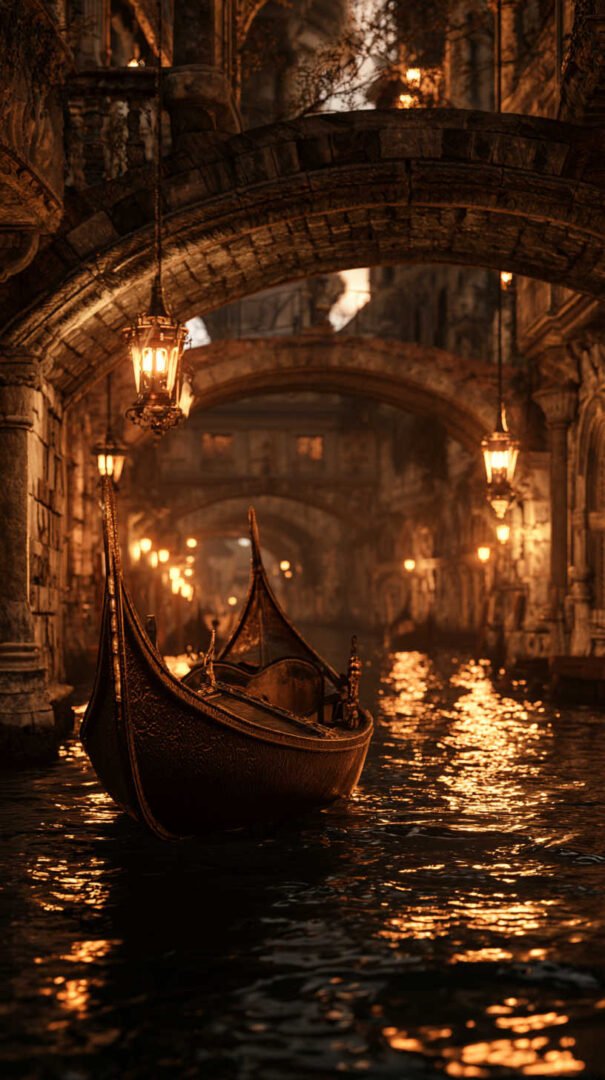
A step up in warmth from the pure moonlit look, this category leans on the small, scattered lights of a working harbor — string lights on masts, a lit window in a dockside shed, the amber glow of a single street lamp. The night sky stays dark, but the frame is full of tiny, warm focal points that draw the eye around the image instead of settling on one spot.
These tend to feel more lived-in and story-driven than pure moonlight shots. If you want a wallpaper that feels like the opening scene of a quiet drama, this is the style to go for.
Best for: phone lock screens, laptop backgrounds, anyone who wants a touch of warmth in a night scene.
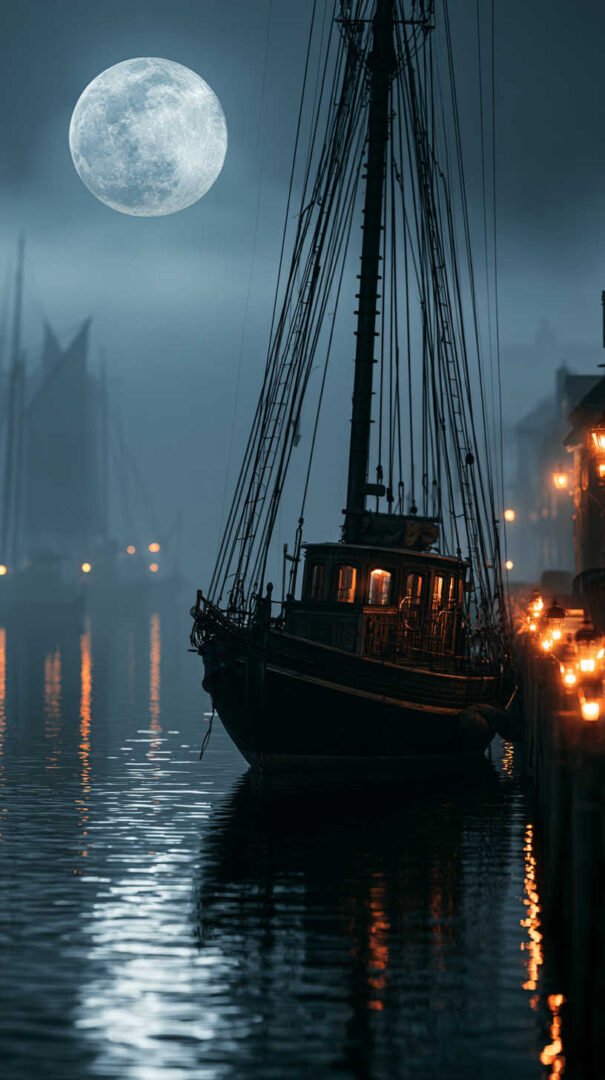
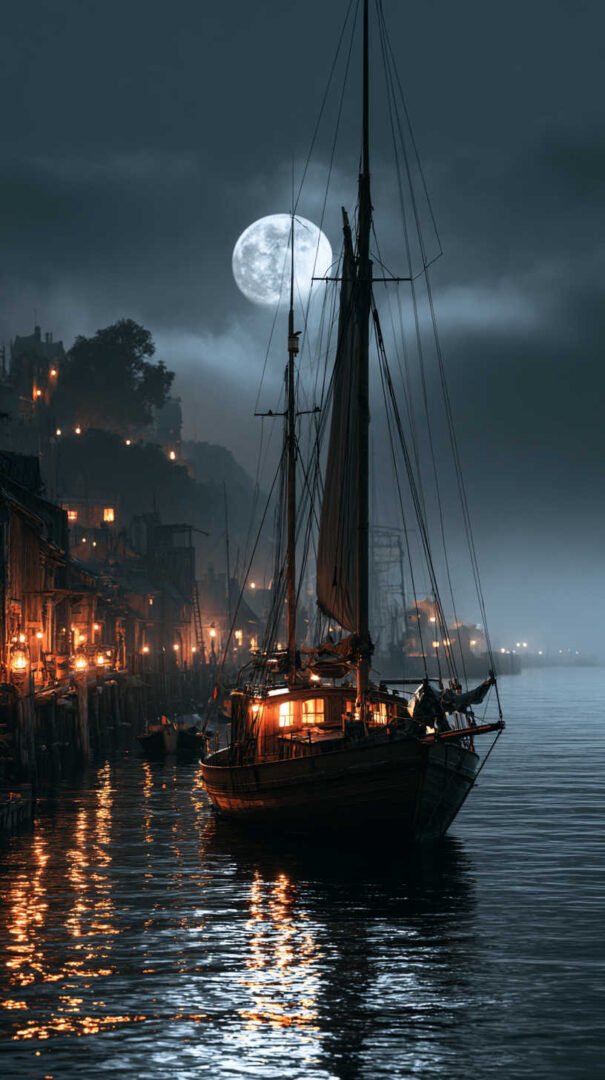
Sailboats Under City Lights
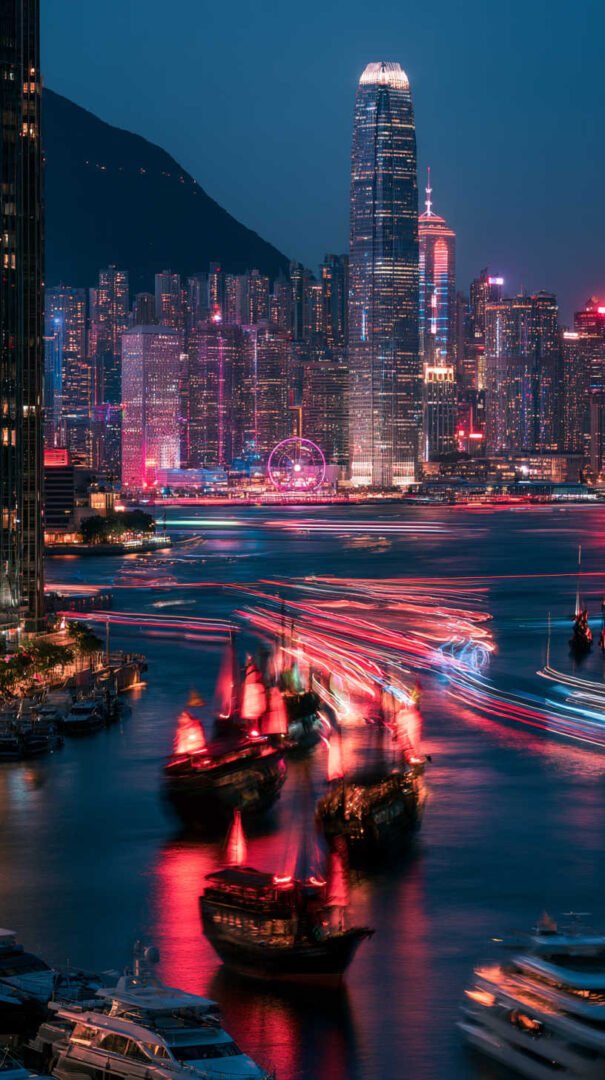
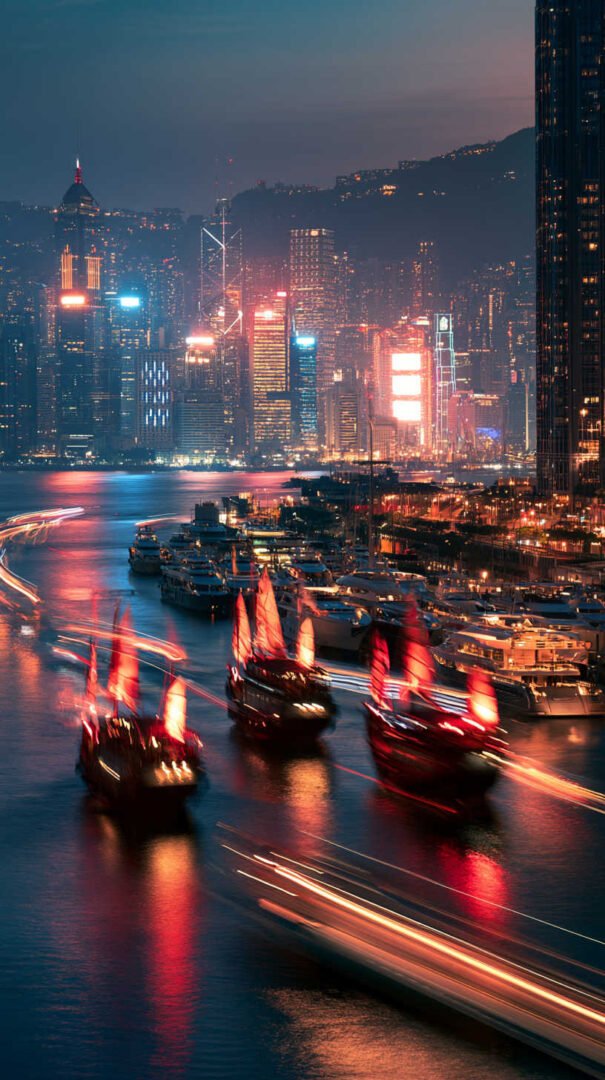
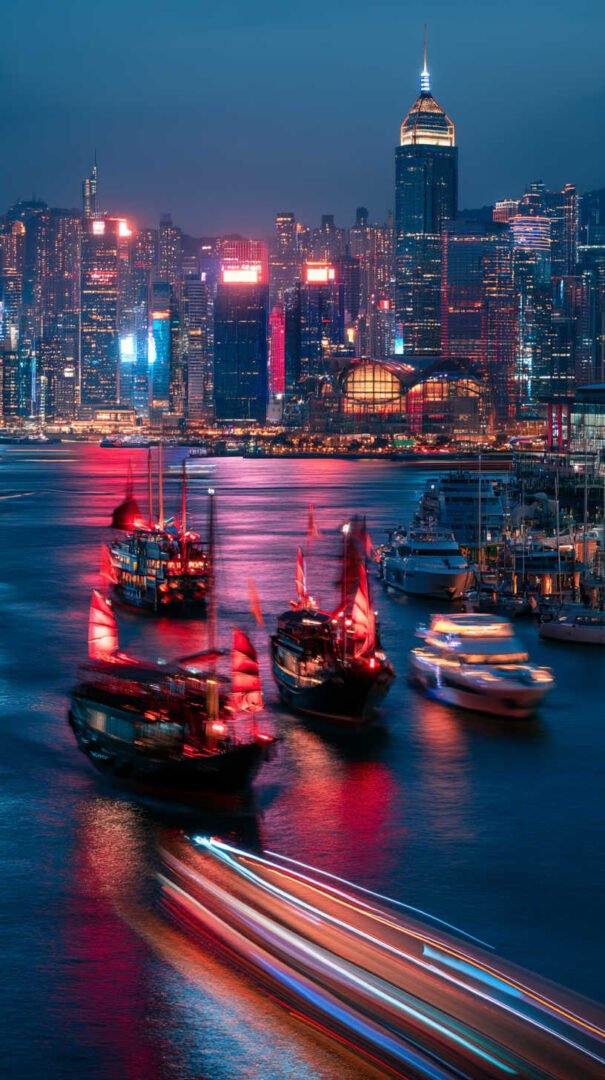
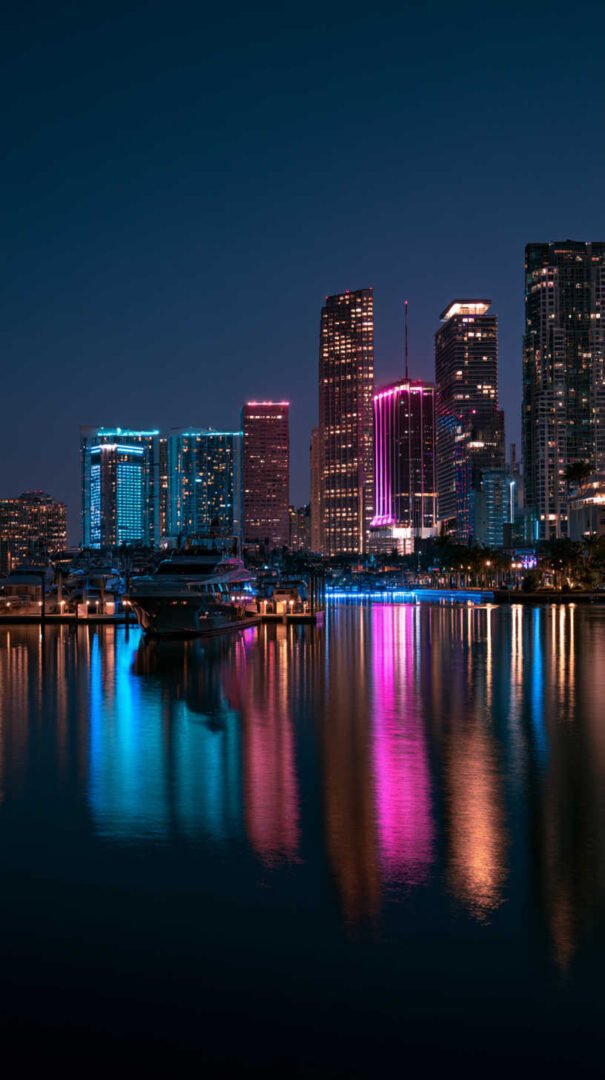
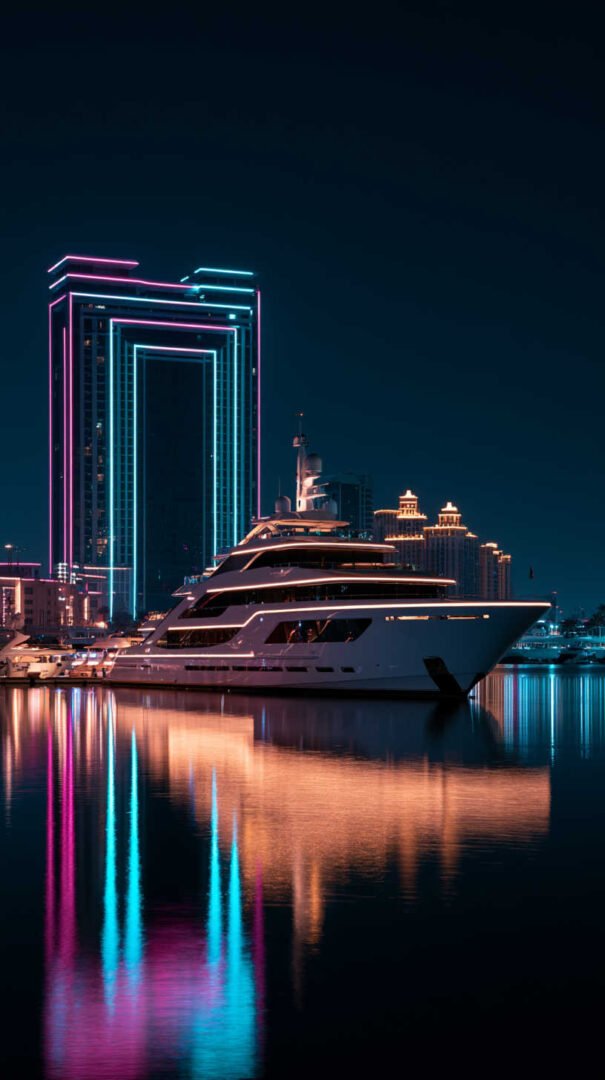
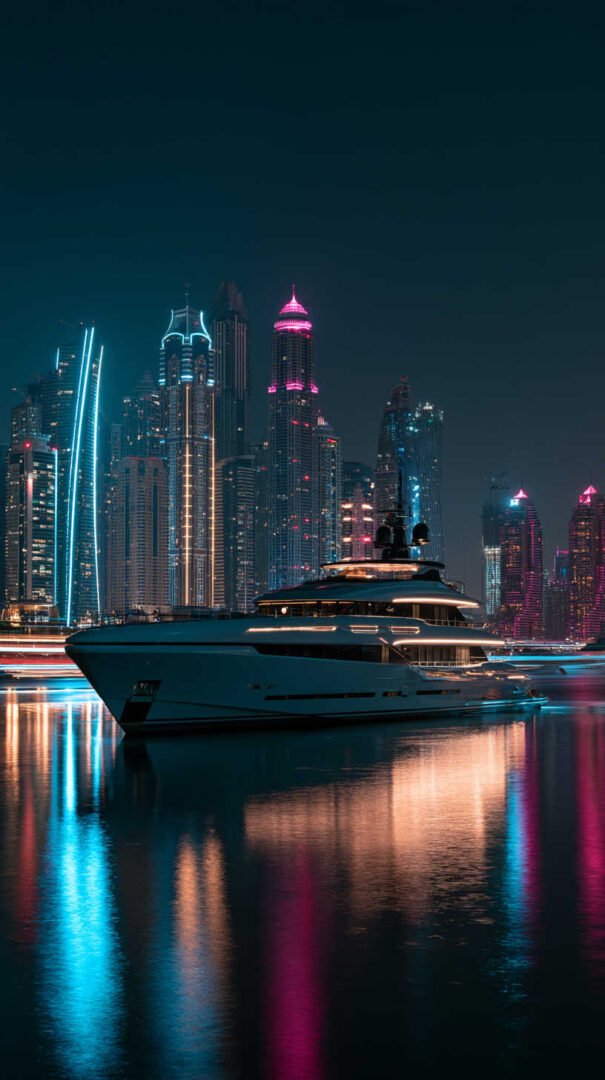
This is the most dramatic version of the theme — a sailboat silhouetted against a skyline, with reflections stretching across the water in long, colorful streaks. Where moonlit harbor shots are quiet, these are electric. The contrast between the dark, simple shape of the boat and the dense, colorful backdrop of a city at night gives these wallpapers a lot of visual punch, especially at 4K resolution where the individual light reflections stay crisp instead of blurring into mush.
If you want a wallpaper that photographs well as a screenshot or looks good behind a busy desktop full of icons, this style holds up better than the quieter options because there’s more going on visually to balance out foreground clutter.
Best for: widescreen monitors, gaming setups, anyone who wants “cinematic” over “cozy.”
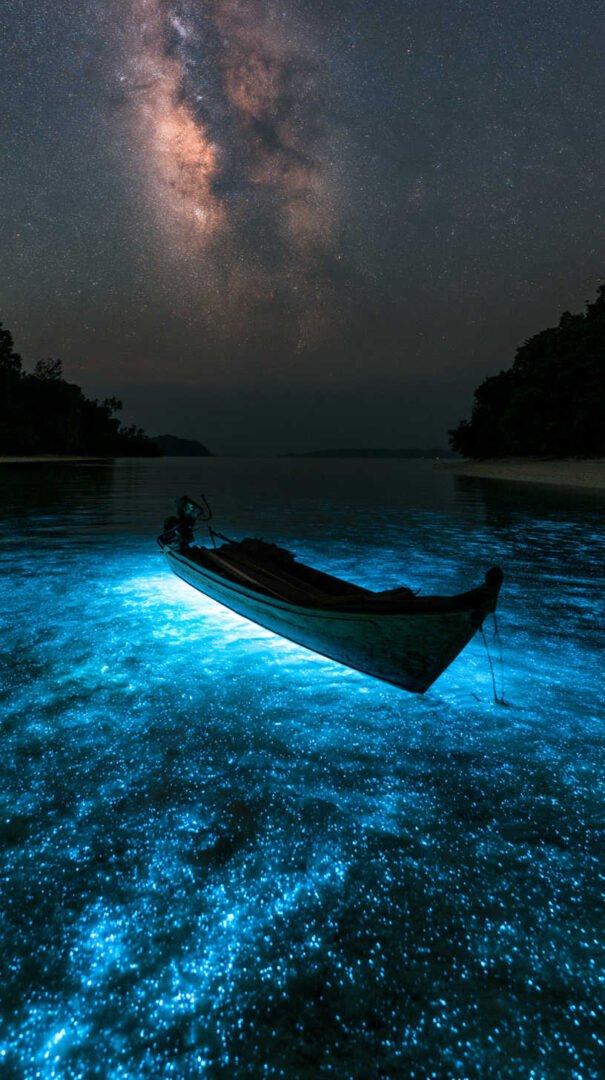
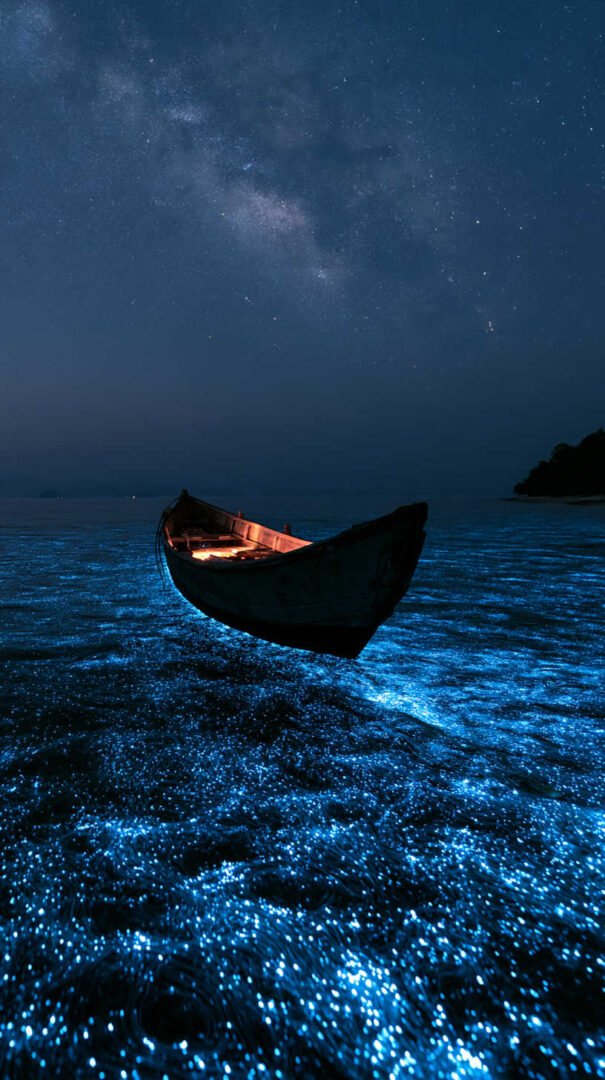
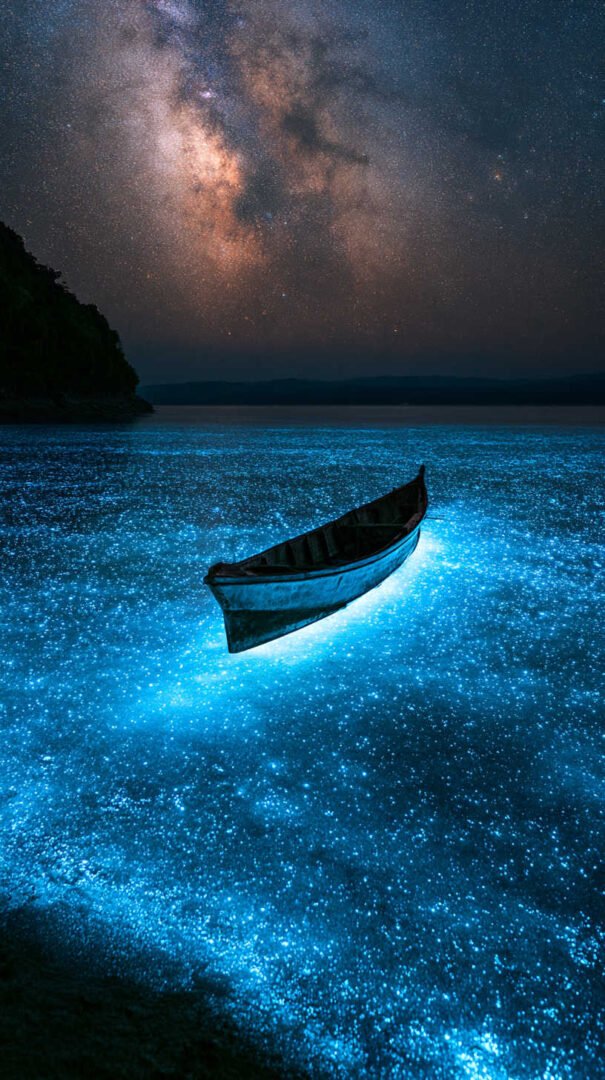
How to Choose the Right One for Your Screen
A few practical things make a real difference once you actually set the wallpaper, not just look at it in a thumbnail:
- Match the resolution to your display. A 4K image (3840×2160) on a 1080p screen isn’t wrong, but it’s wasted file size. Downscaling is fine; upscaling a smaller image to fill a 4K screen will look soft.
- Think about where your icons sit. Dark wallpapers with light concentrated in one corner work well if you keep your desktop icons or phone dock on the opposite side, so nothing competes with the brightest part of the image.
- Consider your device’s screen type. On OLED phones and laptops, the darker portions of these wallpapers can genuinely save battery, since true black pixels use almost no power.
- Match the mood to the room. Warm-lit harbor scenes tend to feel better for evening use; cooler moonlit blues can feel more energizing for daytime work.
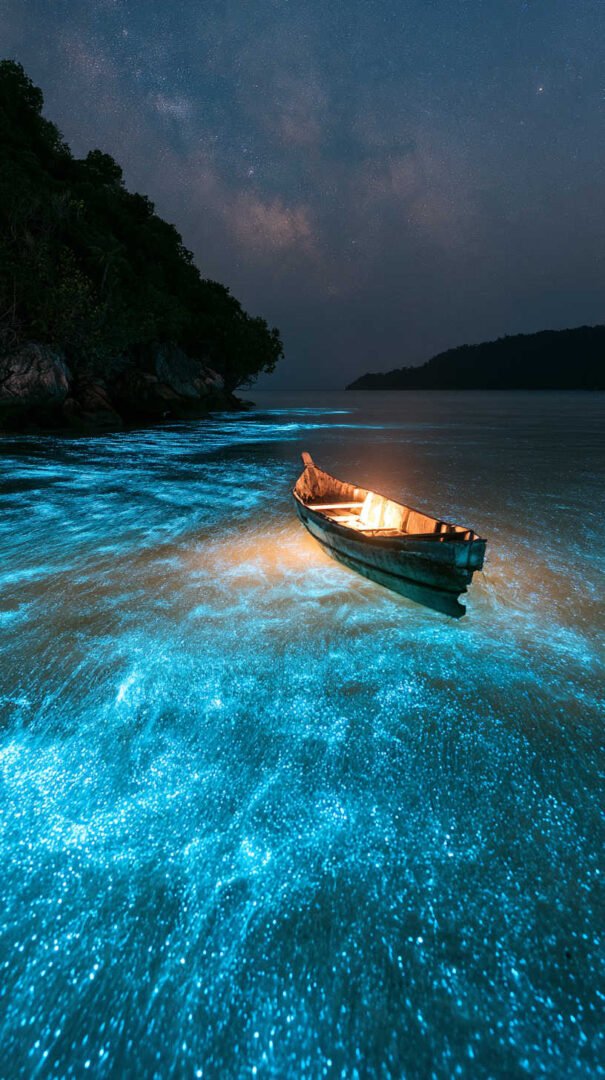
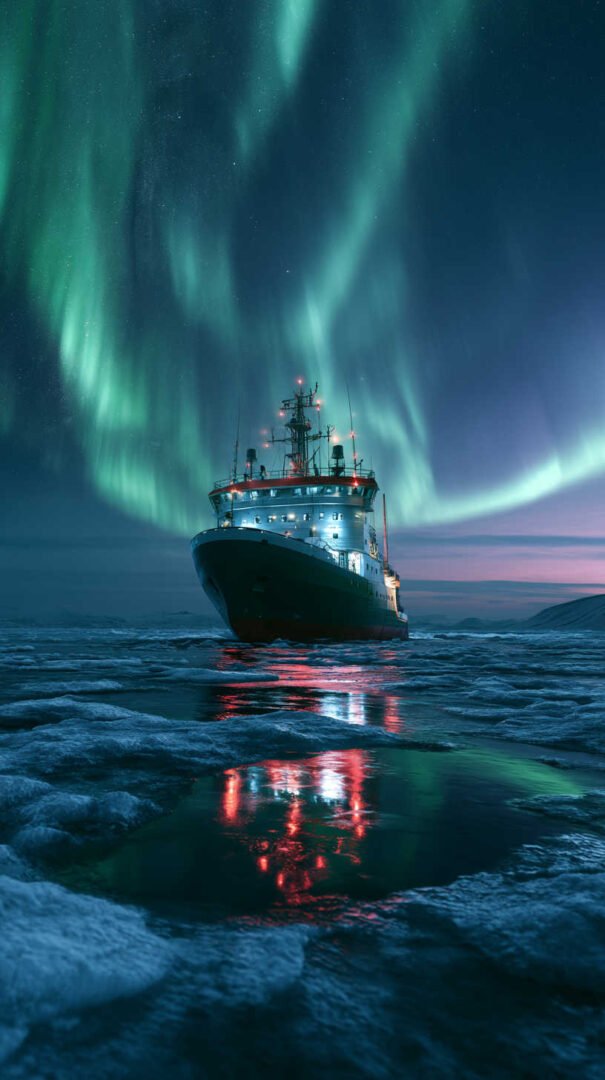
Setting a Boats at Night Wallpaper
Once you’ve picked an image from this guide, setting it up takes just a minute:
- On Windows: Right-click the image, select “Set as desktop background,” or go to Settings > Personalization > Background and choose the file.
- On macOS: Right-click the image in Finder and choose “Set Desktop Picture,” or drag it into System Settings > Wallpaper.
- On iPhone/Android: Save the image to your camera roll, open it, and use the share or options menu to select “Use as Wallpaper,” then adjust the crop so the horizon line and any light sources land where you want them.
For phones, it’s worth previewing how the image looks with your lock screen clock and notifications overlaid — busy areas of a night sky (like a cluster of stars or a bright moon) can clash with white text, so nudging the crop slightly usually solves it.
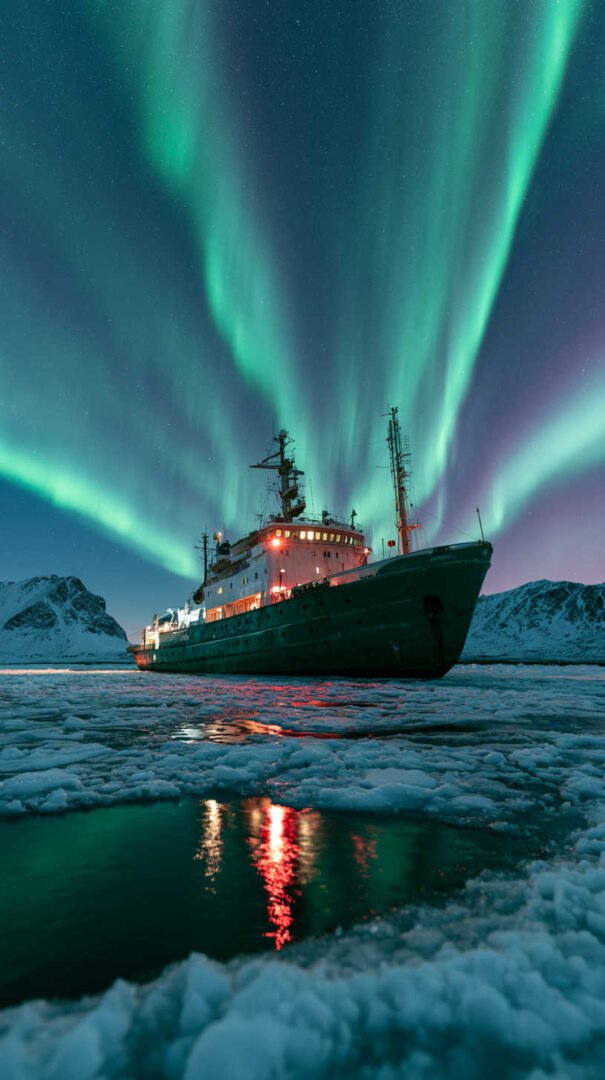
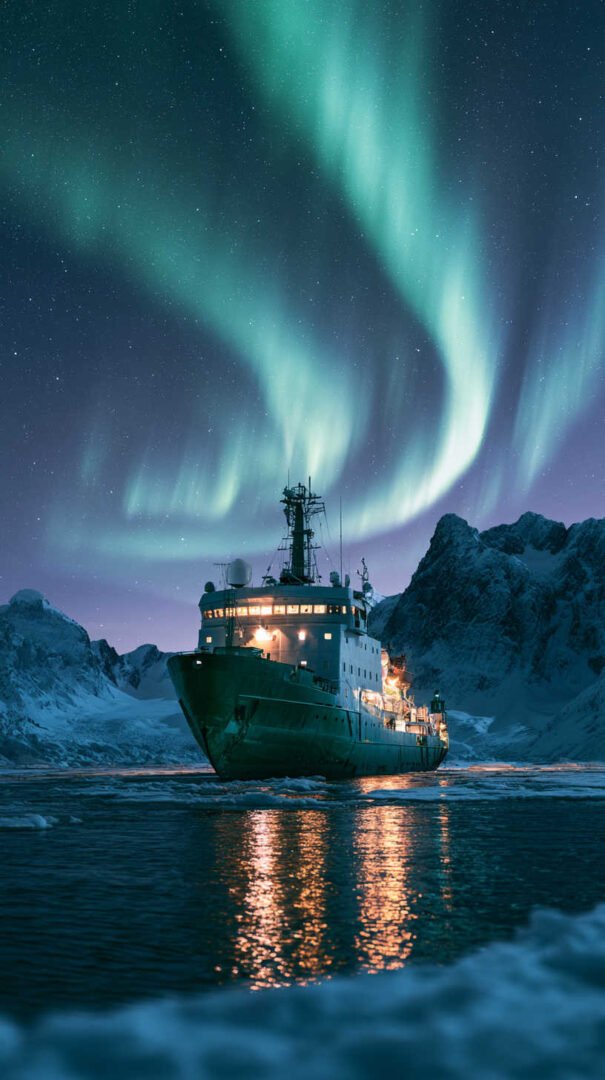
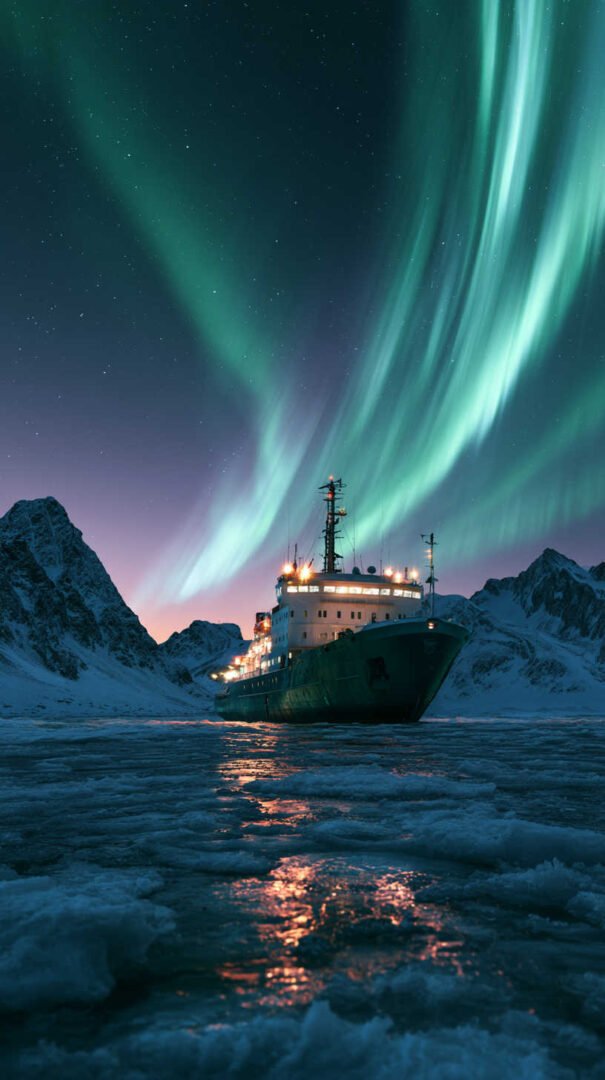
A Few Styling Tips
- Pair with a minimal icon pack. Because these wallpapers already carry a lot of visual weight in their color and lighting, a cluttered set of colorful icons on top can undercut the calm effect. Simple, monochrome, or outline-style icons tend to sit better.
- Match your system theme. Switching your OS to dark mode alongside a night-boat wallpaper creates a much more cohesive look than mixing a dark wallpaper with a bright white interface.
- Rotate by mood, not by day. Instead of cycling wallpapers daily, try switching between moonlit, harbor-light, and city-reflection styles based on how you want your workspace to feel — quiet and focused, cozy, or a bit more energized.
Frequently Asked Questions
- Are these wallpapers free to use? Yes — every image featured in this guide is provided directly here for you to save and use as a wallpaper.
- What resolution should I look for? For most modern monitors and phones, aim for at least 1920×1080 (Full HD). If you have a 4K display, look for 3840×2160 to get the full benefit of the sharper detail in these night scenes.
- Will a dark wallpaper drain my battery faster? The opposite, actually — on OLED and AMOLED screens, darker images use less power because individual pixels showing black are essentially turned off.
- Which style works best for a work laptop? The moonlit harbor style tends to be the safest choice for professional settings — it’s calm, uncluttered, and doesn’t compete with app windows or a busy taskbar.
Final Thoughts
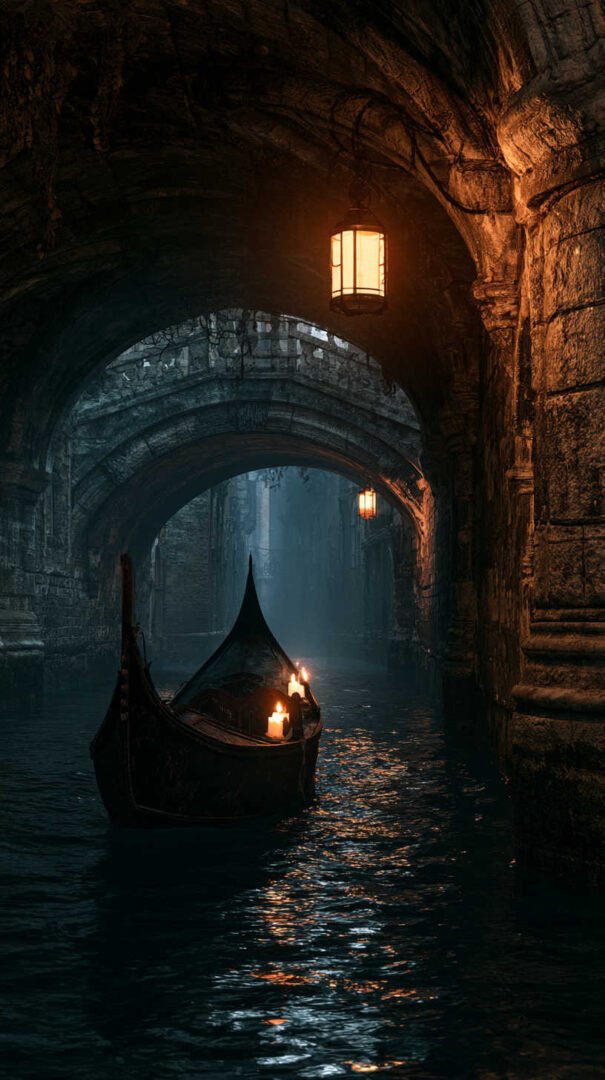
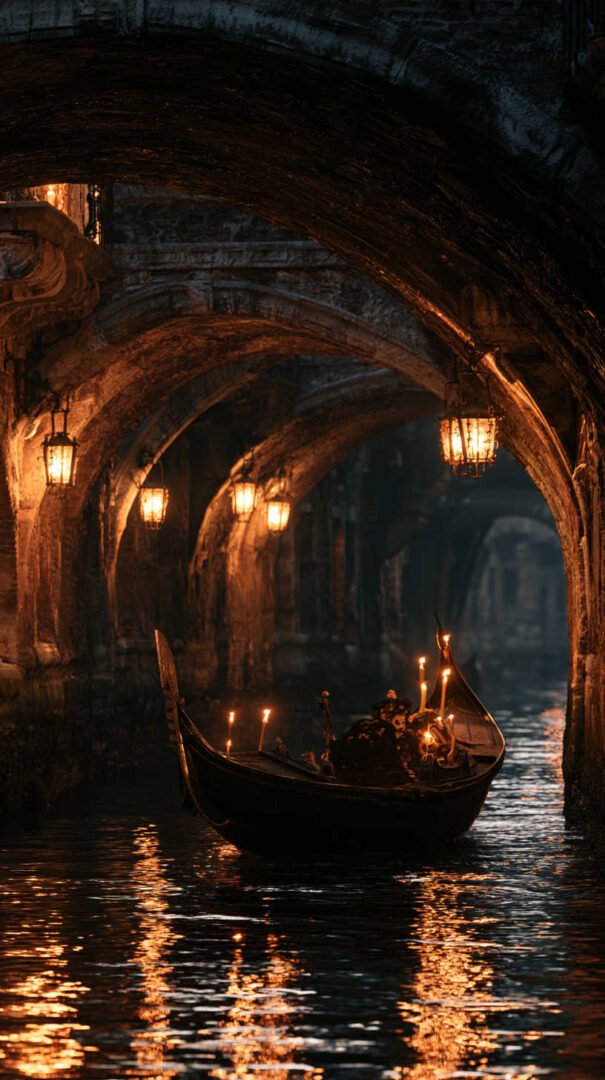
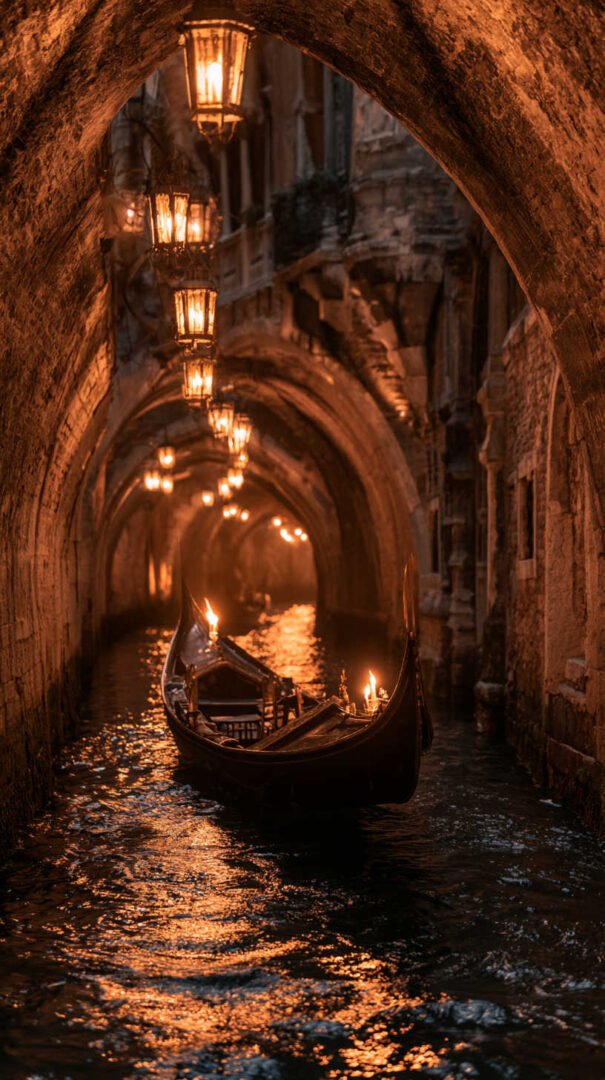
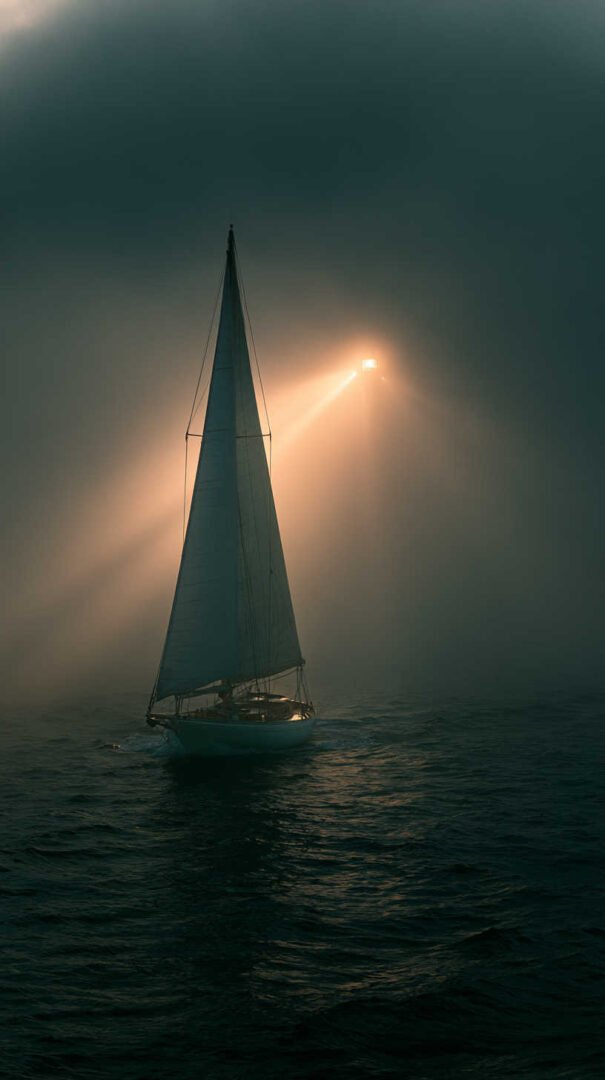
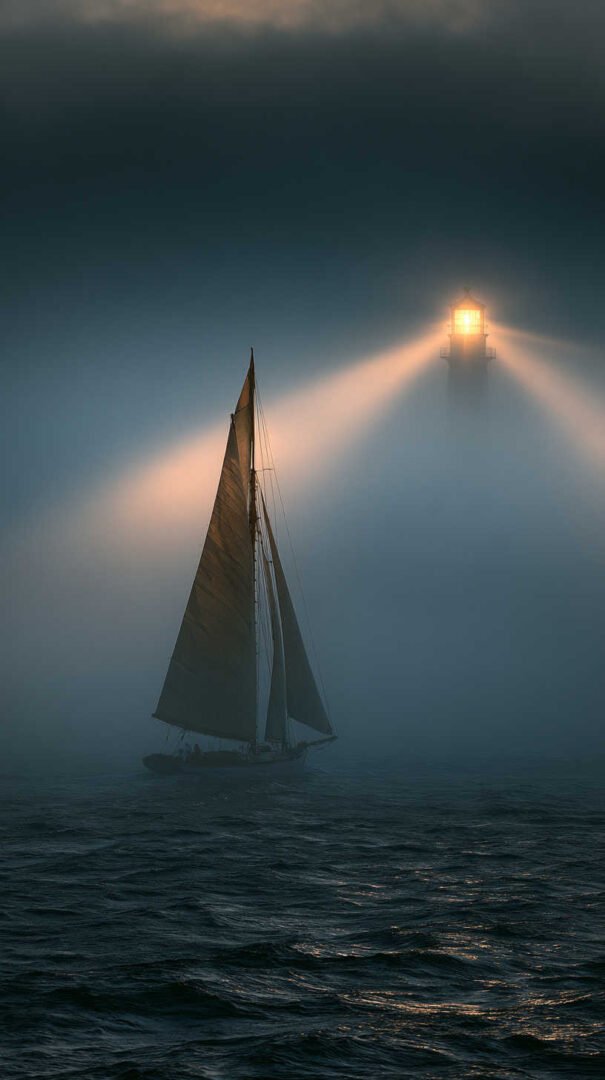
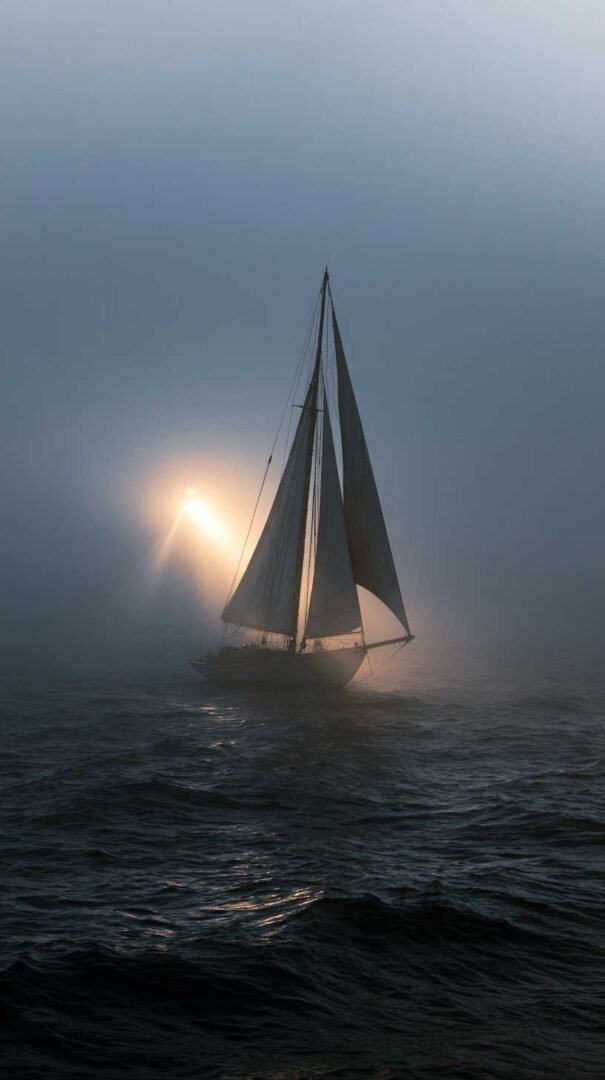
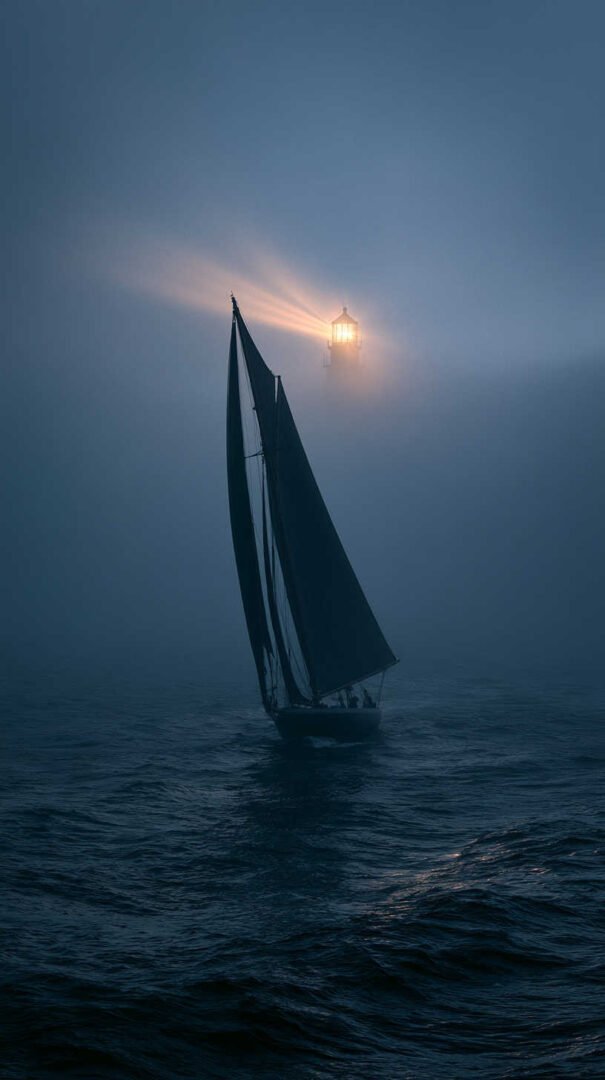
Boats at night have a rare quality as a wallpaper theme: they’re detailed enough to look great in 4K, but restrained enough not to overwhelm your screen. Whether you gravitate toward the quiet blue tones of a moonlit harbor, the warm scattered lights of a working dock, or the bold reflections of a sailboat against a city skyline, there’s a version of this theme that fits the mood you’re going for. Save your favorite from the images above, set it up using the steps in this guide, and enjoy a screen that feels a little more still every time you look at it.
Happy Boating!
Share Boats at Night Wallpaper 4K HD Images with your friends and leave a comment below with your thoughts.
Read Boat Parade Wallpaper 4K HD Images until we meet in the next article.